

Turn ideas into animations you can edit.
Make math, science, and code come alive. Create with AI, refine every scene in the studio, and export a video worth watching.
No install. No credit card. Start in your browser.
When waves collide
Looks good. Works like a real studio.
A few seconds. A whole new understanding.
Watch a point find a valley, rectangles become an integral, or a packet cross a network. Every example is yours to open and edit.
Find the valley
A point follows the negative gradient down a loss surface.
Make optimization visible, one step at a time.
Pick an idea. See it move.
From your idea to your final video.
- 1
Compose
Choose a template or build the scene from a blank canvas.
- 2
Animate
Stage motion, camera, timing, captions, and voiceover together.
- 3
Release
Review and export your video, or export the editable project as JSON.
The control of code. The speed of a canvas.
Ultromotion keeps the precision technical work demands, while giving every creator a direct, visual way to make it move.
Build visually
Place equations, plots, code, labels, and shapes on a real canvas. Style every detail without hunting through source files.
Direct the motion
Set entrances, transformations, camera moves, and pacing on a multi-scene timeline you can scrub at any moment.
Own the output
Publish a finished video, save a lightweight GIF, or export the editable project as JSON for your own workflow.
Your AI assistant. Your animation studio.
Connect ChatGPT, Claude, or another compatible assistant to Ultromotion with MCP. Describe your idea, preview the animation, and ask for changes. Keep every scene editable in the studio.
Full MCP access included with Pro and higher plans.
Create from your idea
Ask for a visual explanation, an animated chart, or a 3D scene. Your assistant builds the layers and motion.
Preview and refine
See the result, then ask for changes to the layout, timing, colors, or camera movement.
Make it yours in the studio
Open the editable project, adjust any scene on the timeline, and export your video.
Describe your idea. Build an animated explanation.
Plan and generate editable scenes with equations, charts, diagrams, and captions. Review the result, refine the animation, and add your narration before exporting.
- Plan, generate, and refine
- Describe your topic, audience, and format. Review the plan, then build and refine animated scenes with the AI Builder.
- Narration tools
- Upload a recording, edit narration timing, or generate speech from captions when a TTS service is configured.
Create free. Build your production workflow with Pro.
Paid plans include premium 2D and 3D tools, MCP integrations, watermark-free MP4 exports, and monthly AI credits.
Compare plans- Export without a watermark
- Export Full HD and 2K MP4s without a watermark. Free includes watermarked output up to 720p.
- Reuse your best work
- Keep up to 100 animation presets and 100 personal components. Free includes three of each.
- Make every video yours
- Apply Brand Kit fonts, colors, and logos across your work, with premium visuals when your explanation needs them.
Know what you’re choosing.
Try the editor for free, then choose the tools and AI allowance you need.
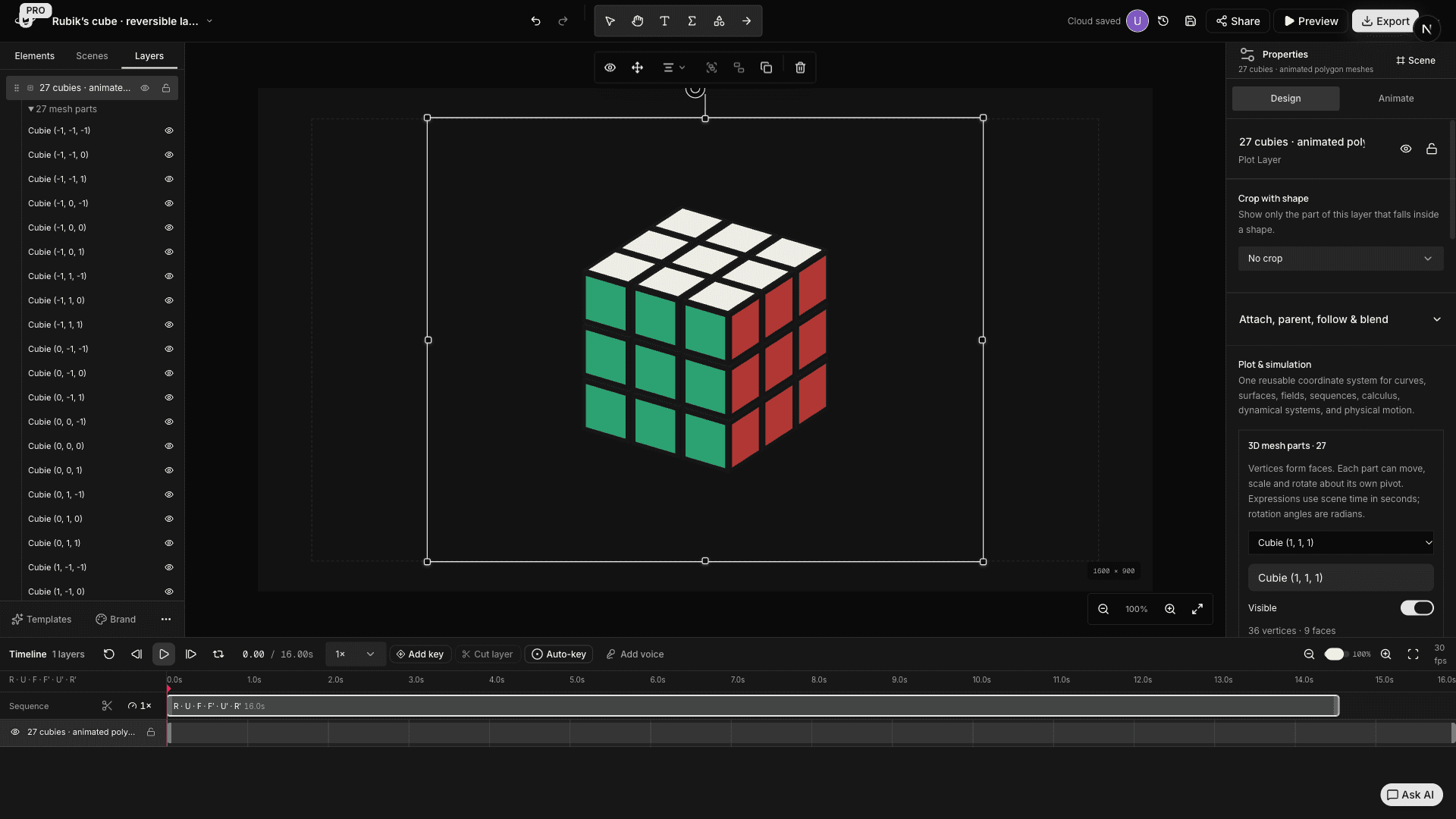
Beyond diagrams. Real 3D motion.
The next great explanation starts here.
Open the studio, choose a starting point, and turn the idea in your head into something people can see.